How the invitation reaches your guests
Each family has its own link. Send it the way you already talk to them.
WhatsApp, one family at a time
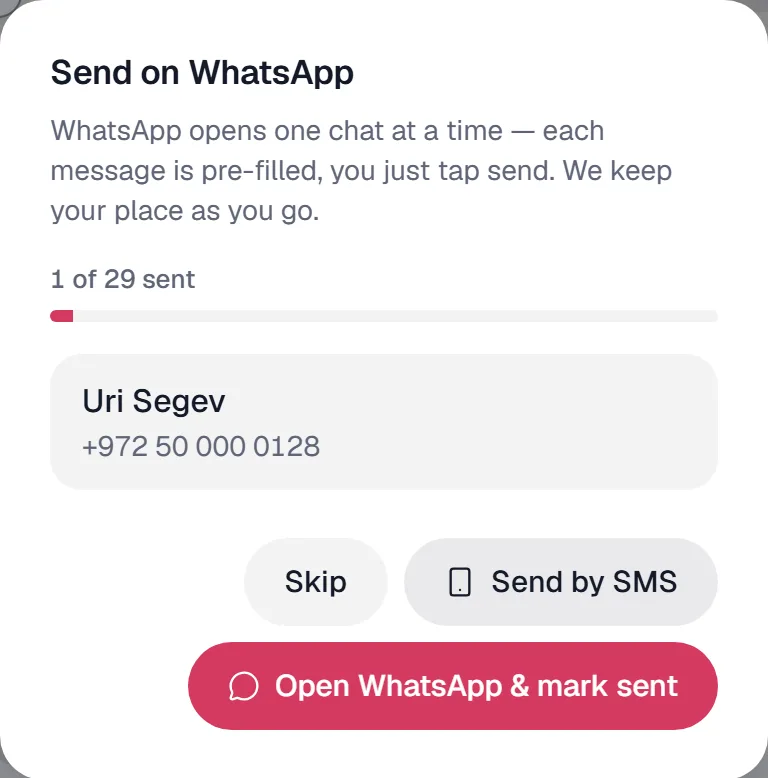
WhatsApp opens one chat at a time with the message and that family’s link already written. You tap send, Elysia keeps your place and marks who got theirs. A hundred families is a hundred taps, not a hundred messages to type.
No WhatsApp? The same message opens in your phone’s SMS app — from your own number, at your plan’s rate, never a per-guest fee from us.
Email, in one click, on every plan
One click sends every family with an email address its personal link, and each delivery is logged. Every plan includes email — 100 a day on Free, 500 on Pro, 2,000 on Premium.
One open link for everyone
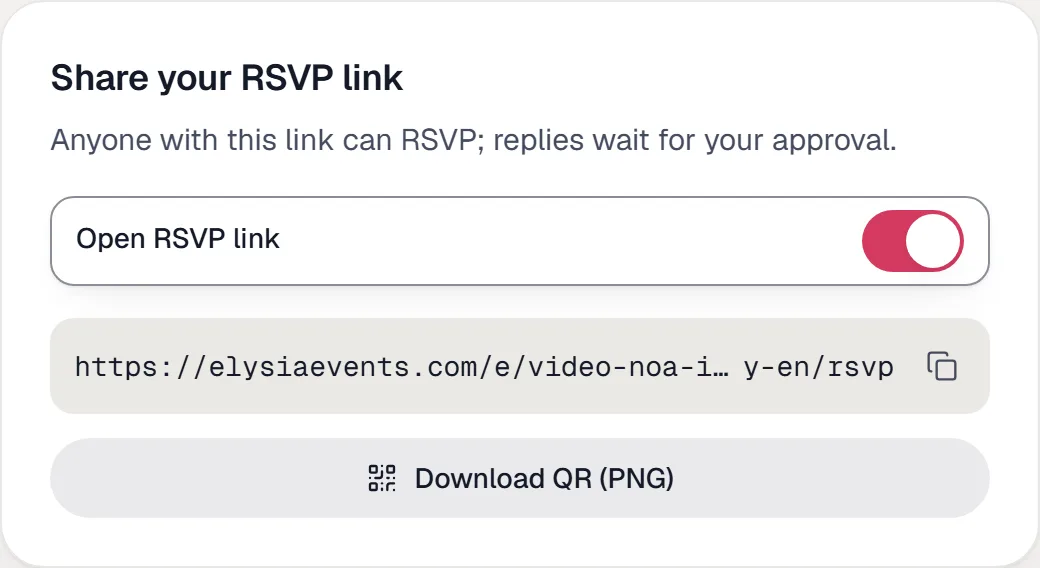
Post one link in the family group or your story, or print its QR. Anyone who replies waits for your approval before joining the list — no strangers.

Reminders that send themselves
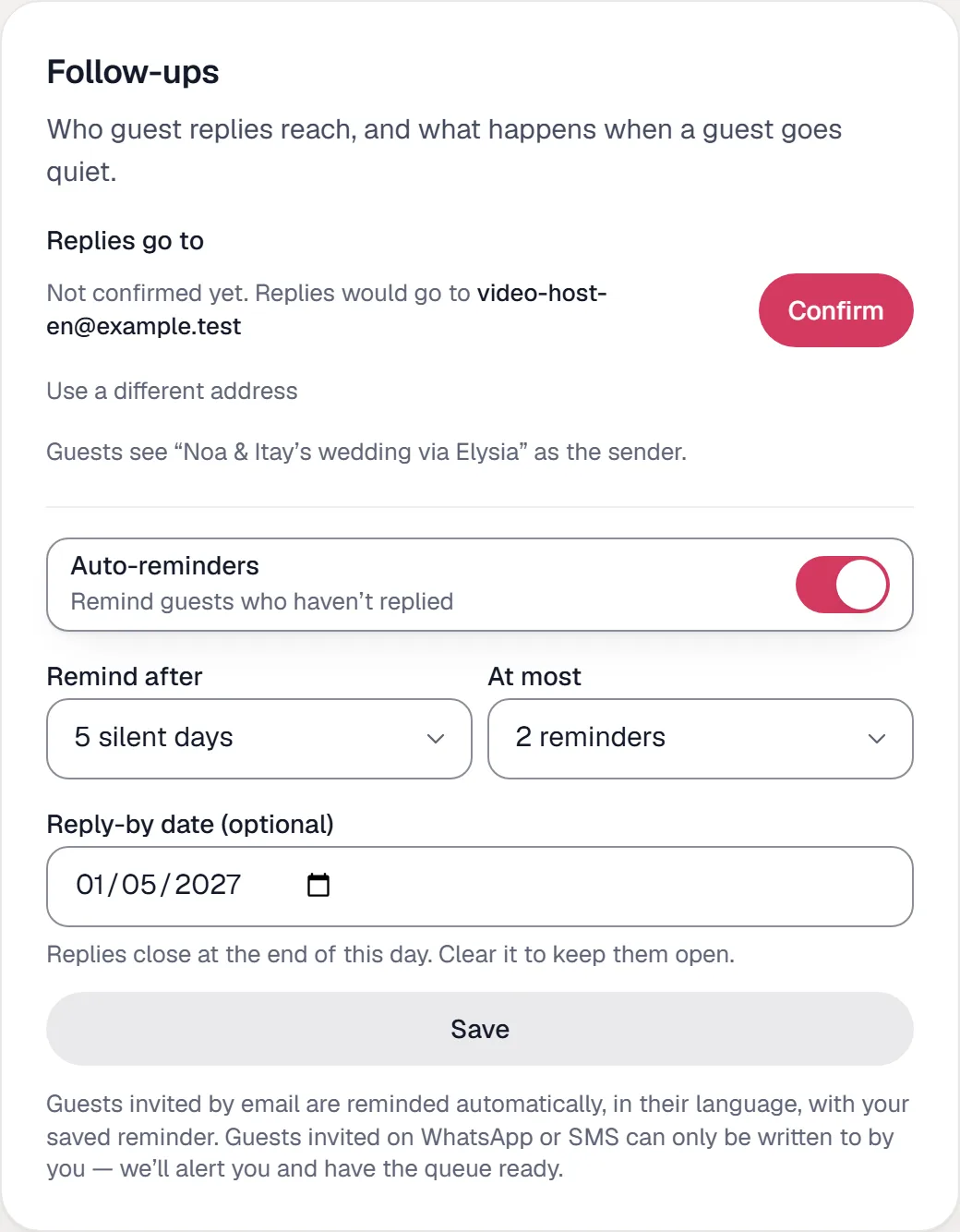
Switch it on once. A family that has not answered after a few days gets a reminder by email — you choose how many days and how many reminders — and the families you reached on WhatsApp are listed for you to nudge. On your reply-by date the link closes.
Your words, their link
Write the opening line once, or let the assistant suggest one. Every invitation starts with it and ends with that family’s link, added automatically.
Dear family, Noa & Itay are getting married! We would love to have you with us on our big day — please confirm in one tap:elysiaevents.com/e/…/rsvp/…
Guests confirm in one tap
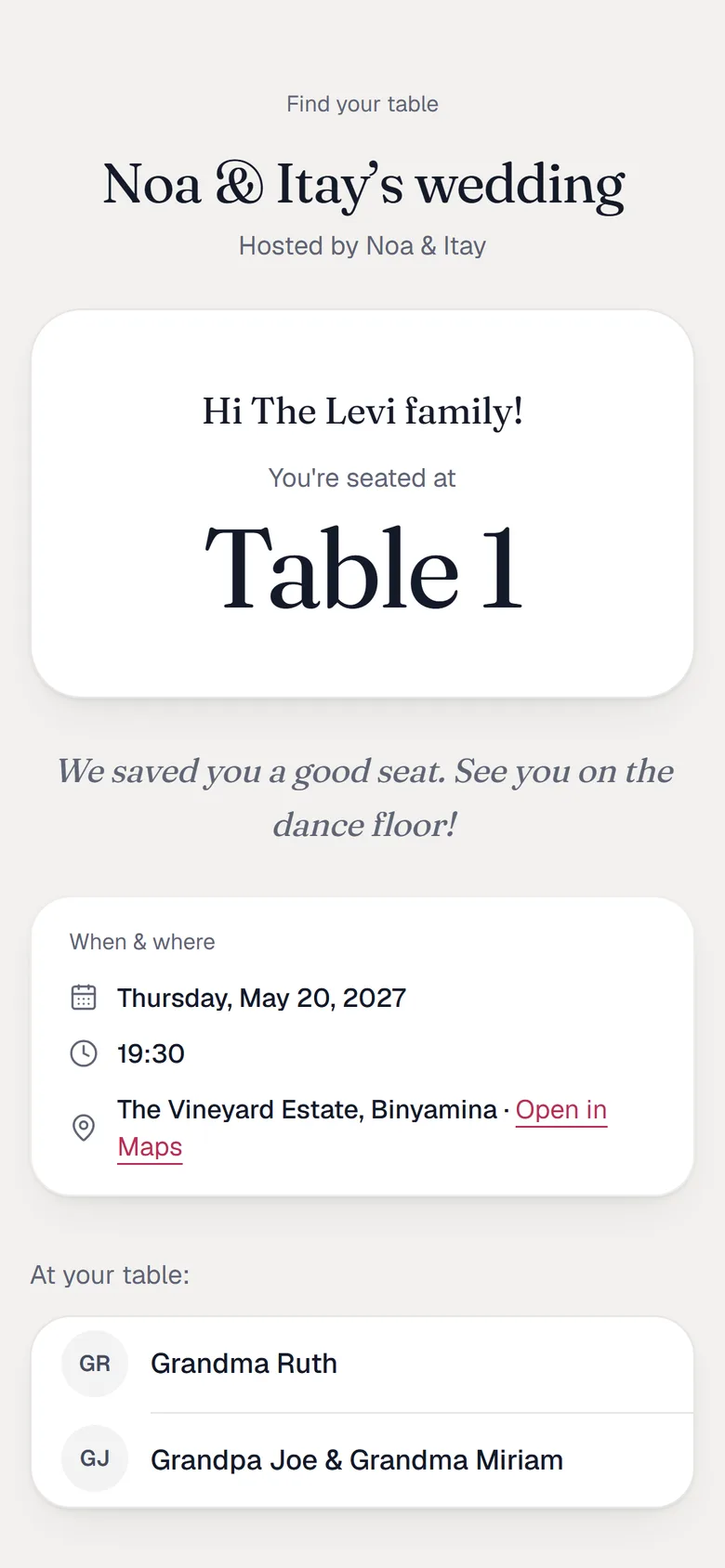
No app, no account, no password. The link opens in the phone’s browser.
 1
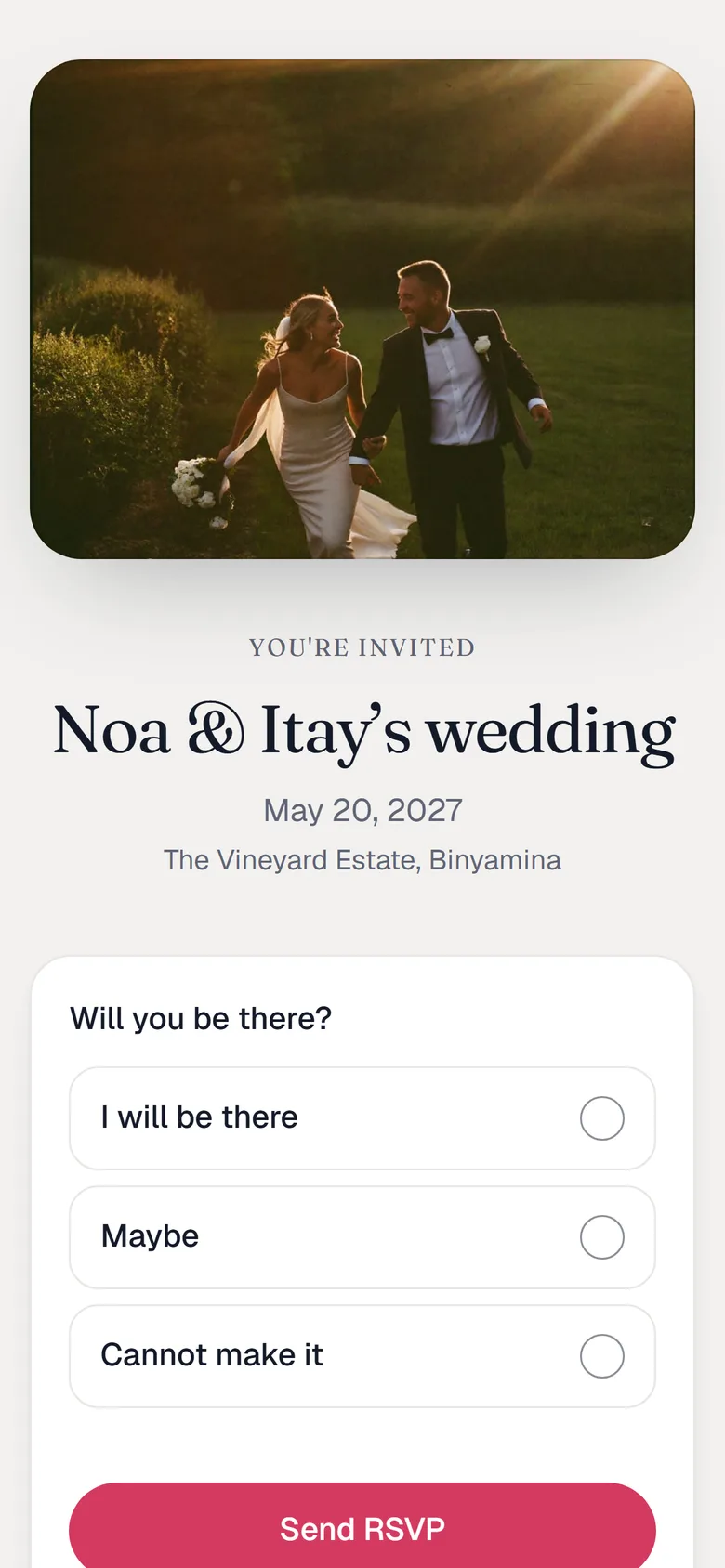
1The invitation opens
Your couple photo, the date, and one question: will you be there?
 2
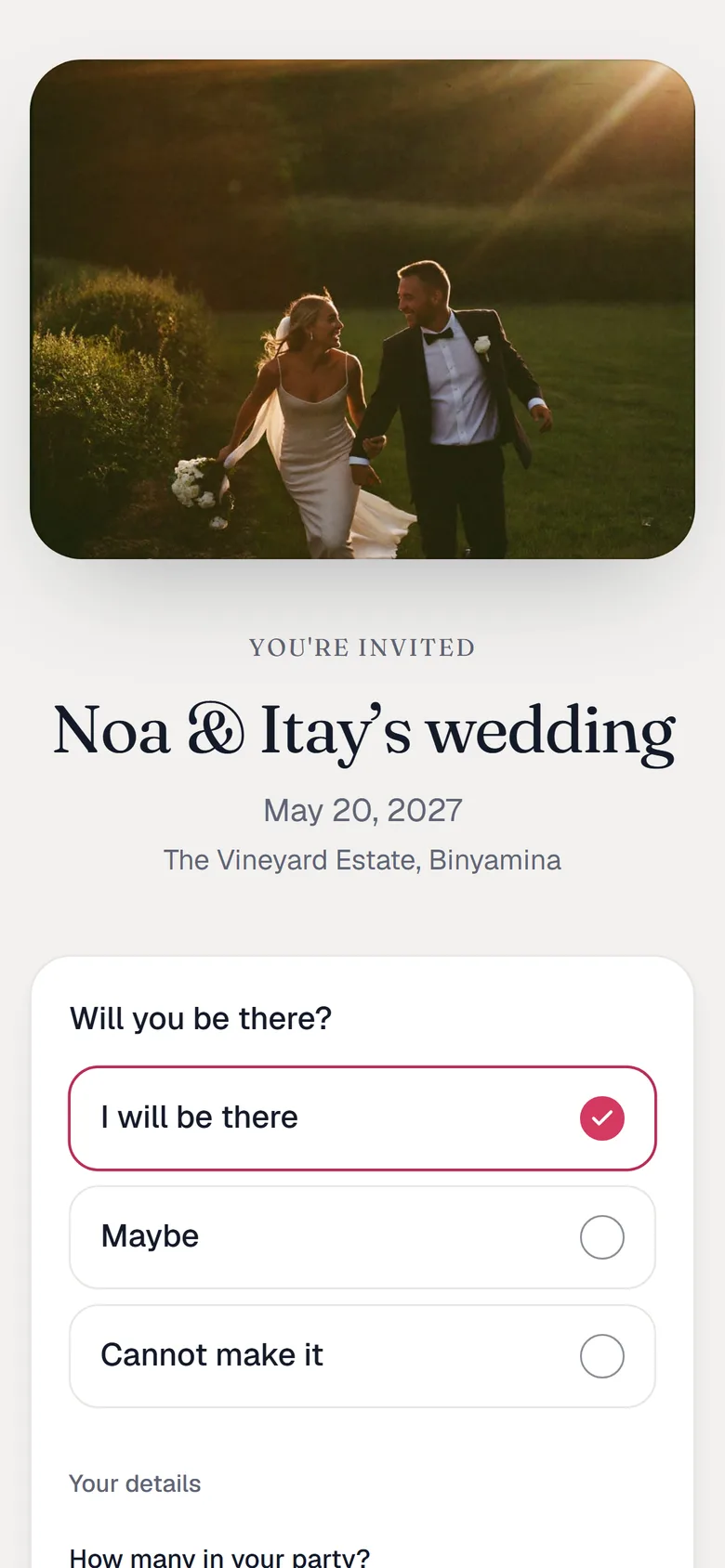
2Yes, maybe or no — and the details
How many are coming, the names, who is a child, dietary needs, and a phone number from any country.
 3
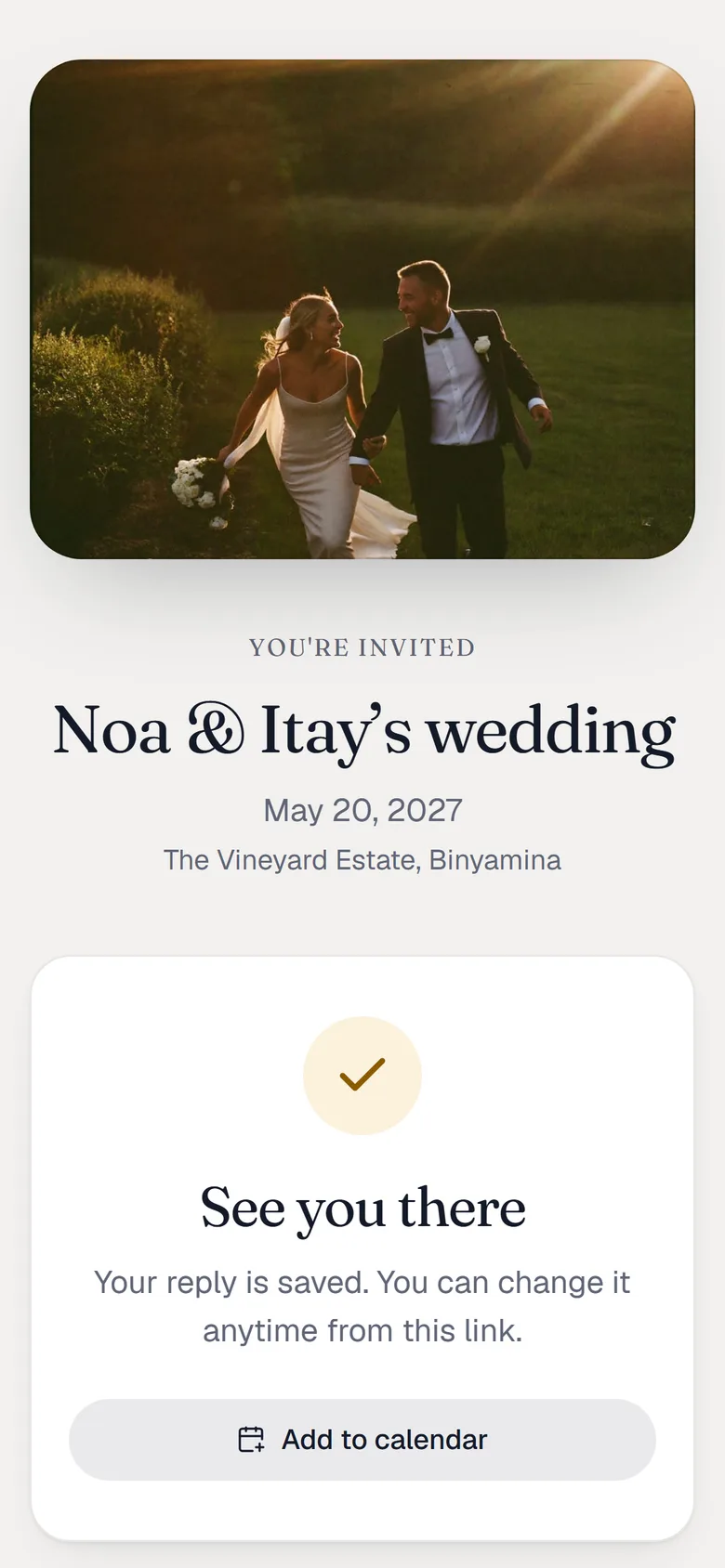
3Confirmed
A clear confirmation on the spot. Plans change? The same link reopens their reply so they can update it.
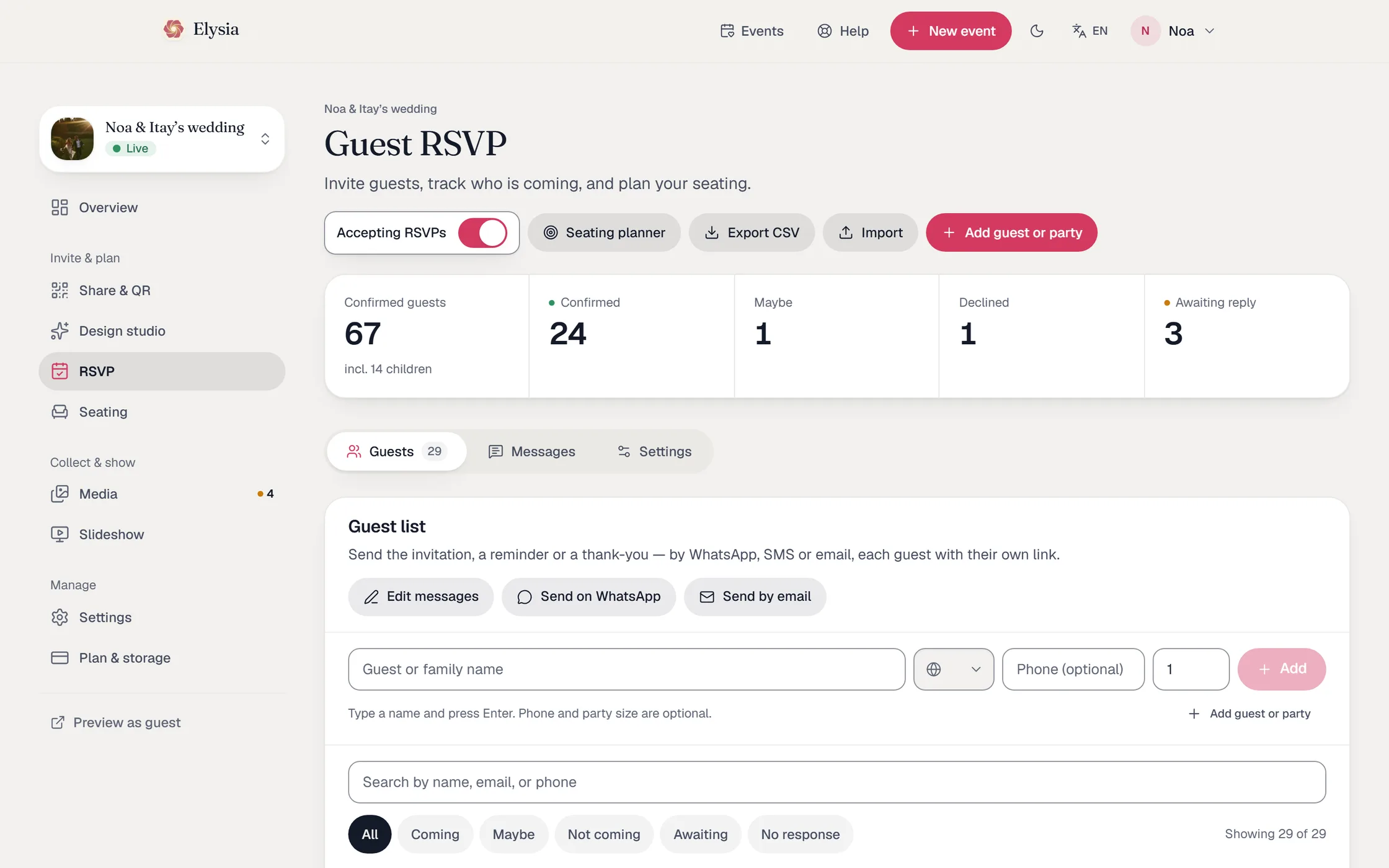
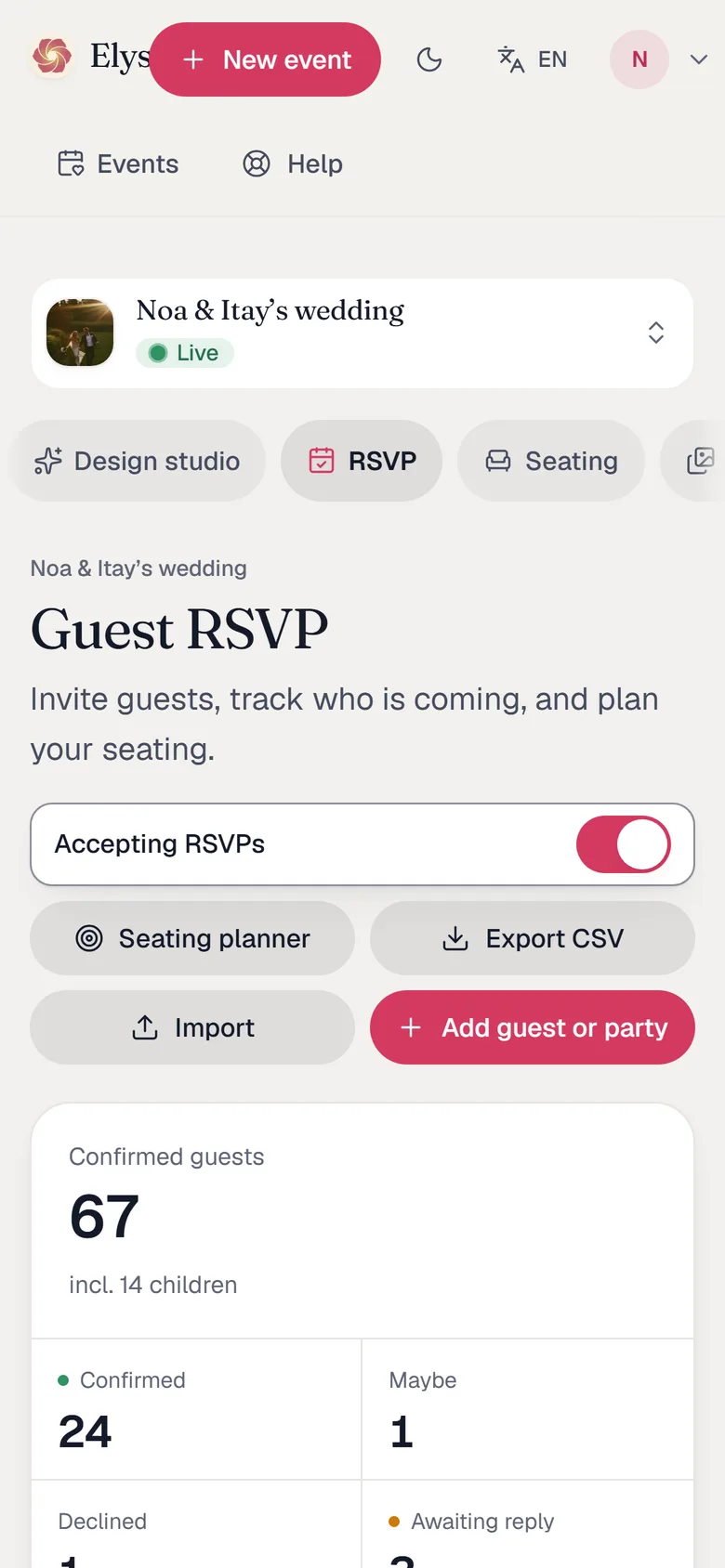
You see everything, live
Every reply lands in your dashboard the moment it is sent.
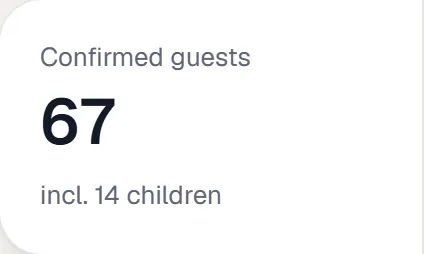
Confirmed, maybe, declined and still waiting — with kids and dietary totals.
Replies from the open link wait for your approval before they join the list.
A “sent” badge on every family you have messaged, per channel.
Import your guest list from Excel or CSV in one go.
Export the whole list back to CSV whenever you like — on every plan.
With a paid plan, the assistant drafts the invitation, reminders and thank-you notes in your language. Nothing goes out unless you send it or switch reminders on.
The seating planner is included
The part every couple dreads, on one screen — with the confirmed list already in it.
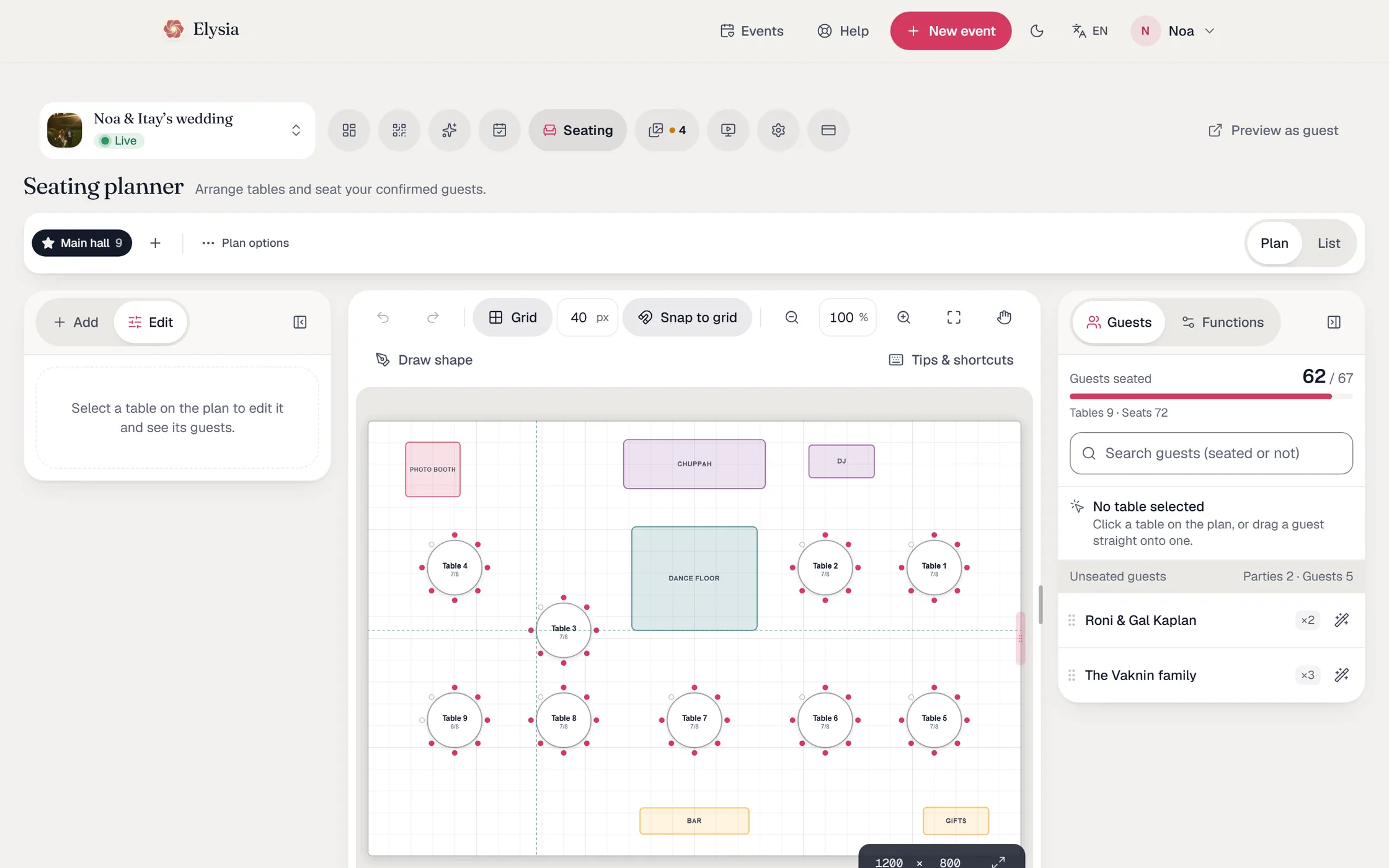
Draw your floor plan: drag tables and fixtures onto the room, resize, snap to grid.
Auto-assign seats every confirmed family with one click, keeping parties together. Fine-tune by drag and drop.
- Premium
Keep several saved plans and switch between them.
Export the guest list as a styled Excel workbook and print the floor plan with a roster per table.
One price per event, not per guest
SMS-based RSVP services charge per guest and per round of messages, so the bill grows with your guest list. Elysia charges once per event, and the link travels over WhatsApp or email — which costs you nothing per message.
Per-guest SMS services
≈ $45
300 guests × 3 rounds × $0.05 ≈ $45
Assumption for the example: $0.05 per message and three rounds (invite, reminder, the day before). Provider rates vary.
Elysia RSVP, per event
Free
Up to 30 guests · 100 emails a day
Personal links, open link, live list, email invites, CSV export
Free
Pro
Up to 150 guests · 500 emails a day
Seating planner, auto-assign, Excel export and printing
$24
Premium
Unlimited guests · 2,000 emails a day
Multiple seating plans, up to 2,000 guest emails a day
$39
One-time payment. No subscription. Add the guest photo album on its own or as a discounted bundle.
Start free
Add the guest photo album
Guests scan a QR and upload their photos and videos from their phone, no app. On its own from $44, or bundled with RSVP and seating from $59.
Make it an animated invitation
The Design Studio turns your invitation into a short film with the reply form at the end — $29 per event.
$29
Questions hosts ask
Do guests need to install an app?
No. The link opens in the phone’s browser. Guests reply in a tap and never create an account or a password.
Can I send all the invitations on WhatsApp at once?
WhatsApp has no free bulk sending, so nobody can honestly promise “one click to everyone”. Elysia does the next best thing: it opens one chat at a time with the message and that family’s link already filled in, keeps your place, and marks each family as sent. You tap send once per family.
Can invitations go out by email?
Yes, on every plan: one click sends every family with an email address its personal link, and each delivery is logged in the dashboard. Each plan has a daily allowance, so a guest list can never become a spam relay.
Are there automatic reminders?
If you want them. Switch reminders on, choose how many days to wait and how many to send, and every family invited by email is reminded automatically. Families you reached on WhatsApp are listed for you instead, because WhatsApp has no free automatic sending.
How much does it cost?
RSVP is free for small guest lists. Larger events pay once per event — no subscription and no per-guest fee. The current prices are on this page.
Can I bring my guest list from Excel?
Yes. Import a CSV of names and phone numbers, and export the replies back to CSV at any time, on every plan.
What if a guest changes their answer?
They open the same personal link again — it shows their previous reply and they simply update it. You see the change live.
What happens to my guests’ details?
They are stored in the EU, used only for your event, and anonymised automatically at the end of the plan’s retention window. You can delete them earlier from the dashboard.

Send the first link tonight
Create the event, add your guests, send the first family its link. Replies start arriving before you finish your coffee.
- No app for guests to install
- One price per event, not per guest
- Hebrew, English and Arabic